HLDeck installer
Free and open. It writes plain Docker Compose files, so you can leave at any time. Debian or Ubuntu, x86-64 or ARM64, at least 5 GB free.
What you get
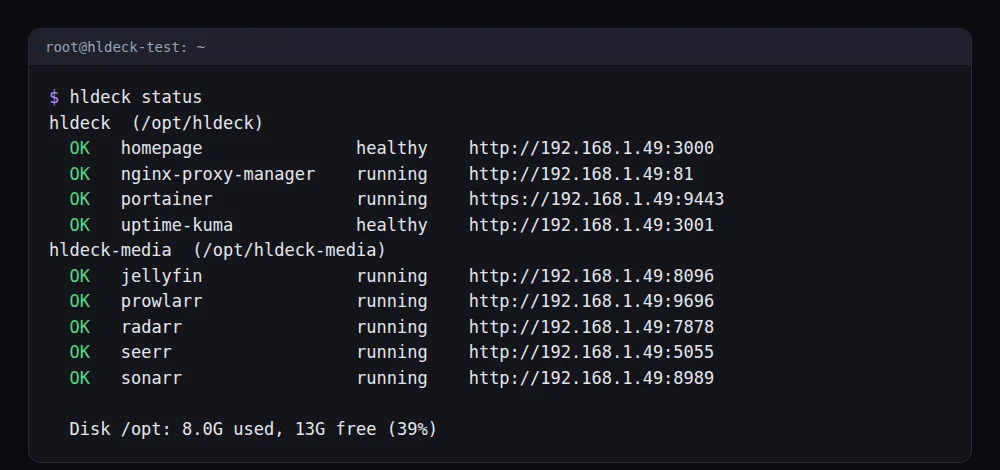
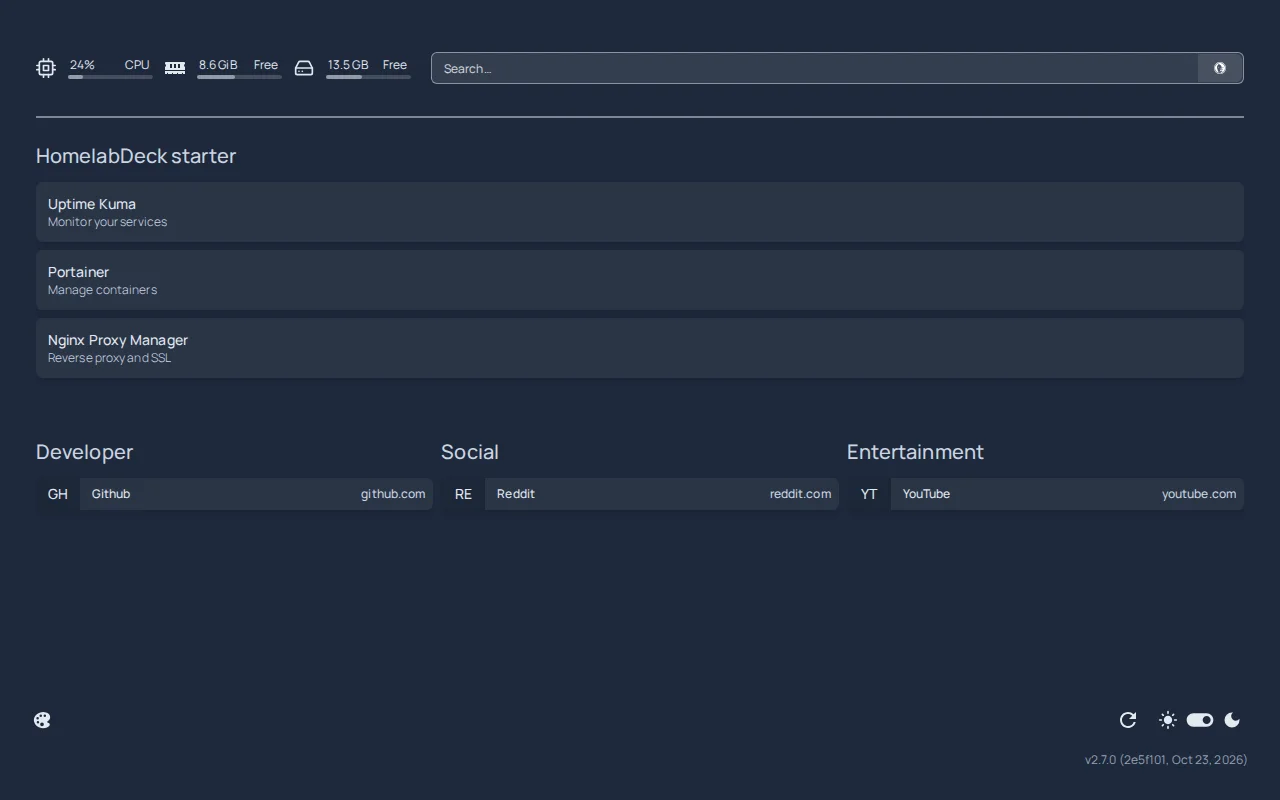
Real output from a clean Debian 13 container after installing both stacks, and the Homepage dashboard that the starter stack sets up with your services already listed.
Starter stack
Homepage, Uptime Kuma, Portainer and Nginx Proxy Manager.
curl -fsSL https://homelabdeck.dev/install.sh | sudo bash -s -- starterMedia stack
Jellyfin, Seerr, Sonarr, Radarr, Prowlarr and qBittorrent. qBittorrent runs behind gluetun (WireGuard) with a kill switch: if the VPN drops, its traffic stops. Without a VPN key the installer starts everything except qBittorrent and tells you where to add it.
curl -fsSL https://homelabdeck.dev/install.sh | sudo bash -s -- media --vpn-provider mullvad --vpn-key YOUR_WIREGUARD_KEYStep-by-step setup: Jellyfin + Sonarr + Radarr guide. In a Proxmox LXC enable nesting and keyctl, and pass /dev/net/tun for gluetun.
Media Lite stack (no VPN)
The same media stack, but qBittorrent connects to the internet directly, with no VPN and no kill switch. Nothing needs a key, so everything starts and hldeck wire connects the apps automatically. Use it for your own and legally obtained media. If you want the VPN kill switch, choose the media stack above.
curl -fsSL https://homelabdeck.dev/install.sh | sudo bash -s -- media-liteManage it: the hldeck command
hldeck status    # health and URLs of every service
hldeck update    # pull new images and restart
hldeck backup    # configs and volumes to /var/backups/hldeck (keeps the last 7)
hldeck export    # plain Docker files, no secrets, no hldeck needed
hldeck wire      # connect Prowlarr, Sonarr, Radarr and qBittorrent (media stack)
wire sets root folders and the qBittorrent download client, and links Prowlarr to Sonarr and Radarr. You still create the Jellyfin user and libraries, add your indexers and set up Seerr yourself. Backups skip the media and torrent folders (too large). The archive can contain your VPN key, so it is saved readable by root only.
Read before you run
Piping a script into a shell means trusting it. Download it first and read it: install.sh, hldeck.sh. Use bash install.sh media --dry-run to generate the files without installing anything. Source and issues: github.com/homelabdeck-dev/hldeck (MIT). Use torrents only for content you have the right to download.